

Paid Memberships Pro vs MemberPress: Which Membership Plugin Fits Your Bangladeshi Site?
Two names come up in almost every conversation about WordPress membership sites: Paid Memberships Pro and MemberPress. Both are serious, well-established plugins. Both can run a real membership business. But they are built around different ideas of what a membership site is, and picking the wrong one means either paying for features you never use or rebuilding six months later when your model changes.
This comparison is written for Bangladeshi site owners — coaches, teachers, content creators, and small businesses — who need a practical answer, not a feature checklist. It looks at levels, add-ons, payments, courses, and the overall approach, so you can match the plugin to your project.
Buy Paid Memberships Pro: message us on WhatsApp https://wa.me/8801919052411 with the product name — bKash/Nagad accepted, activation within minutes.
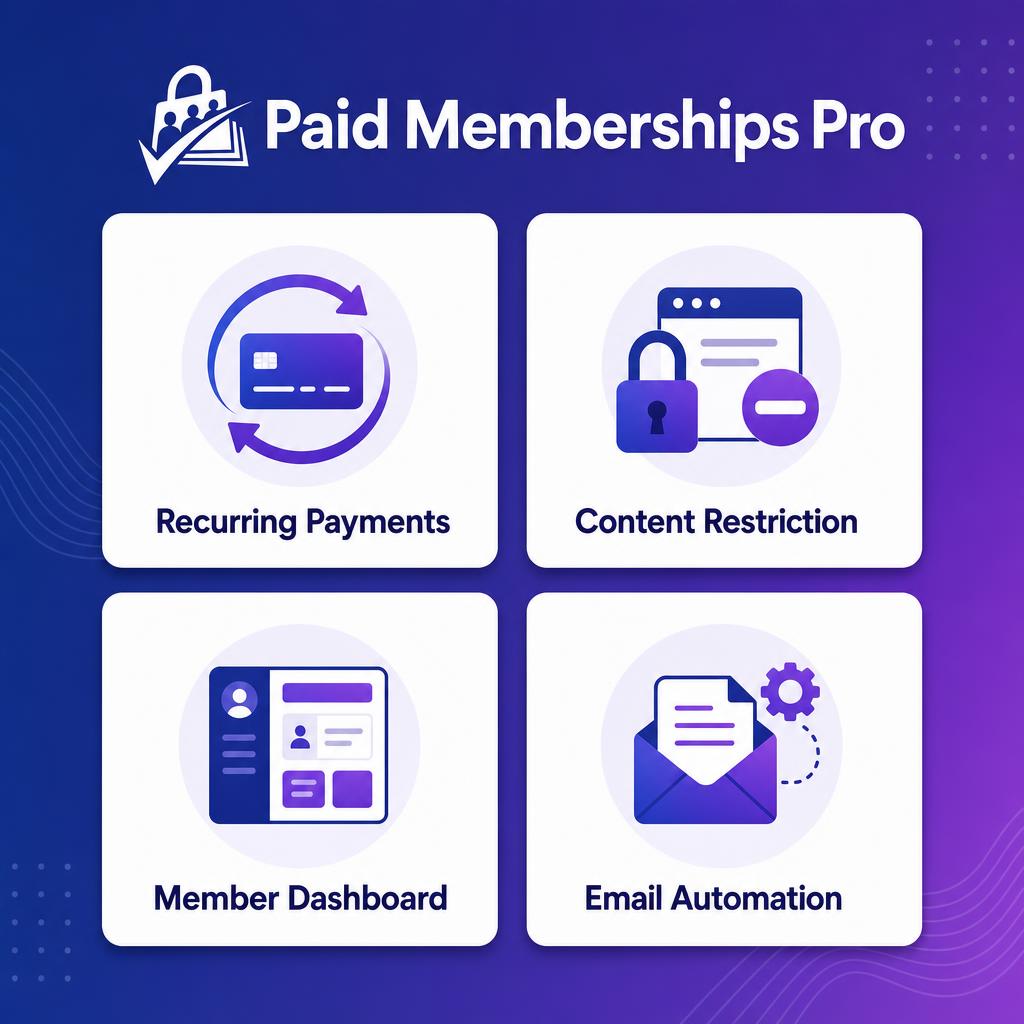
The one-sentence difference
Paid Memberships Pro treats membership as the platform: unlimited levels, a large add-on library, and deep developer hooks, so you can shape the system around your business. MemberPress treats membership plus courses as the package: it bundles its own course builder, so a site owner who wants lessons and memberships together gets both in one place.
Neither approach is wrong. They suit different projects, and the rest of this article is about telling them apart.
Membership levels: flexibility vs structure
PMPro's headline strength is unlimited membership levels. You can create as many tiers as your business needs — free, monthly, yearly, family, corporate, lifetime — and combine them with content rules per level. For a coaching centre that sells a basic plan, a premium plan, and a separate plan for institutions, that freedom is genuinely useful. You are not forced to redesign your pricing because the plugin ran out of levels.
MemberPress also supports levels, but its design pushes you toward a smaller, cleaner set of tiers tied to its course and content model. That is not a weakness if your model is simple: two or three levels, clearly priced, each unlocking a set of courses. It becomes a constraint only when your pricing gets complicated — many tiers, group plans, and special cases.
Who wins here: PMPro, if your pricing is layered or likely to grow. MemberPress, if you want a simple tier structure and would rather have fewer decisions to make.
Add-ons and extensibility
PMPro ships with more than 60 add-ons. That number matters because membership businesses rarely stay in their first shape. You may start with locked blog posts and later need group memberships, gift memberships, discount codes, advanced reporting, or an integration with a course plugin. With PMPro, those are add-ons on the same platform.
The plugin is also known for its developer hooks — the behind-the-scenes connection points that let a developer customise how levels, payments, and emails behave. If you work with a developer, or plan to hire one, that flexibility is a real advantage. It means unusual requirements — a custom signup flow, a special discount rule, a report your accountant asked for — can usually be built without replacing the plugin.
MemberPress takes a more packaged approach. It bundles more into the core product, including its course builder, so you need fewer add-ons to get a complete learning-and-membership site. The trade-off is less room to reshape the system. If the bundled way of doing things matches your business, that is efficient. If it does not, you will feel the edges sooner.
Who wins here: PMPro for flexibility and growth; MemberPress for a complete package with less assembly.
Courses: built in or added on
This is the clearest dividing line, and it should decide the choice for many buyers.
MemberPress includes its own course builder. If your business is courses — video lessons, quizzes, certificates, student progress — and you want memberships wrapped around those courses, MemberPress gives you both in one purchase. You do not need a separate learning plugin, and the course and membership settings live in the same place.
PMPro does not bundle a course builder. Instead, it integrates with course plugins through its add-ons. That is a different philosophy: pick the best course tool for your needs and connect it to PMPro, rather than accepting whichever course builder comes with the membership plugin. For a site owner who already uses a learning plugin they like, or who wants a specific course feature, this is the better route. For someone starting from zero who wants one thing to learn, it is an extra decision.
Who wins here: MemberPress if courses are the product and you want one system. PMPro if you already have a course tool, or if membership — not courses — is the centre of the business.
Payments and the member experience
Both plugins support the payment gateways membership sites depend on. PMPro supports Stripe and PayPal for recurring payments, which covers the standard way membership sites bill members automatically each month or year.
What matters more in practice is the member experience around payments: can members update a card, change levels, cancel, and see their billing history without emailing you? PMPro includes a member dashboard for exactly this, plus email automation for renewals and expiries. A good dashboard cuts support messages dramatically, because the most common member questions — "what level am I on?" and "when does it renew?" — answer themselves.
MemberPress offers a similar account experience. The practical difference is less about which dashboard looks nicer and more about which one your members find easy. If you can, test the signup and account flow on a demo before you commit. A confusing checkout loses more members than any missing feature.
For Bangladeshi buyers, one more practical point: the Paid Memberships Pro listing is sold with bKash/Nagad payment on WhatsApp and seller-assisted activation on your own site — no international card needed to get the license itself. The recurring payments your members make are a separate question, and you should confirm your Stripe or PayPal route before launch either way.
Pricing approach: lower total cost vs bundled value
The product page notes that PMPro comes with a lower total cost than MemberPress. That reflects the two philosophies above: PMPro gives you the membership platform and lets you add what you need, while MemberPress bundles more — notably the course builder — into its price.
Talking about specific MemberPress prices would be misleading here, because prices change and depend on the plan. The useful way to think about it is total cost over two years, not the first-year price. Add up the membership plugin, any course plugin you need, and the add-ons your model requires. For a course-heavy site, MemberPress's bundle may be cheaper overall. For a membership site that does not need courses, PMPro's approach is usually the lower-cost path.
In Bangladesh, PMPro is listed at ৳7,000 for a yearly license (price may change — see the product page for the current price). Judge that figure against your expected member revenue: if ten members at ৳500 a month bring in ৳5,000 a month, the license is a small fraction of income. If you have no members yet, any price is expensive — build the audience first.
Which one should you pick?
Use these scenarios as a shortcut:
- Pick Paid Memberships Pro if: you need many membership levels; you want to choose your own course plugin; you expect the business to grow into groups, gifts, or custom rules; you work with a developer; or membership itself — not courses — is the product.
- Pick MemberPress if: courses are the product and you want the course builder and memberships in one place; your tier structure is simple; and you prefer a bundled package over assembling add-ons.
- Pick neither yet if: you have no audience and no content behind the paywall. Build the content and the audience first, then buy the plugin when there is something to sell.
A practical way to decide
Before you buy either plugin, write down three things on paper:
- Your levels and what each one unlocks, in one sentence each.
- Whether courses are the product, or just one thing members get.
- How members will pay you every month, in practice.
If the answers are clear, the right plugin usually picks itself. If the answers are vague, no plugin will fix that — spend the time on the business model first, and the plugin choice becomes easy.
The Paid Memberships Pro listing on WP Theme Bazar is the route to the PMPro license in Bangladesh, with activation handled for you on your own site.
Frequently asked questions
Is Paid Memberships Pro better than MemberPress? Neither is better in general — they suit different projects. PMPro fits flexible, level-heavy membership sites and owners who want to choose their own course tool. MemberPress fits course-first sites that want the course builder and memberships bundled together.
Can PMPro run online courses? Yes, through integrations with course plugins via its add-ons. It does not bundle its own course builder, so you choose the learning tool that fits your needs.
How many membership levels does PMPro allow? Unlimited levels, so you can add tiers as your business grows without hitting a cap.
Do I need an international card to buy PMPro in Bangladesh? No. Through WP Theme Bazar you pay with bKash or Nagad on WhatsApp, and the team activates the original license directly on your site.
What if I change my mind later? Switching membership plugins after launch is real work — members, levels, and payment records have to move. That is why it is worth choosing by your business model now, not by a feature list alone.
Buy Paid Memberships Pro: message us on WhatsApp https://wa.me/8801919052411 with the product name — bKash/Nagad accepted, activation within minutes.


